

Websites
Seamlessly transition users from their desktop to their mobile device for app downloads or mobile-specific content.
Create Your QR CodeConnecting Your Site to the Real World
Your website is your digital headquarters. QR codes act as instant doorways, allowing people in the physical world to step directly into your online space without typing a single character.
They eliminate the friction of remembering and typing a URL. A QR code on a business card, flyer, or even a presentation slide provides an immediate, error-free link to your website, product page, or contact form.
Key Use Cases
Link from Business Cards
Place a QR code on your business card that links to your personal portfolio website or LinkedIn profile.
Drive Traffic from Print Ads
Include a QR code in a magazine or newspaper ad that directs readers to a special landing page with more information.
Contactless Information Sharing
Use a QR code on a sign at your physical location to link to your hours, services, or daily specials.
Presentation Slides
End your presentation with a slide containing a QR code that links to a page where the audience can download the slides or contact you.
Real-World Examples
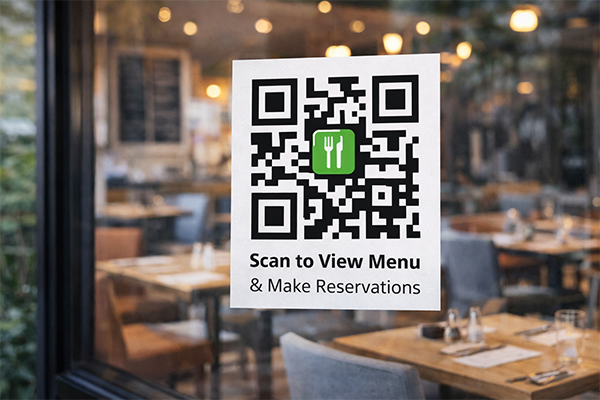
Restaurant Window
A QR code on the front window of a restaurant links to their full menu and online reservation system.
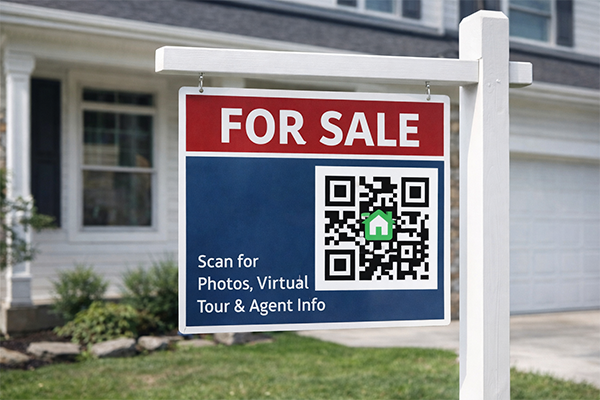
Real Estate Sign
A 'For Sale' sign has a QR code that takes potential buyers to a webpage with a full gallery, virtual tour, and agent details for the property.
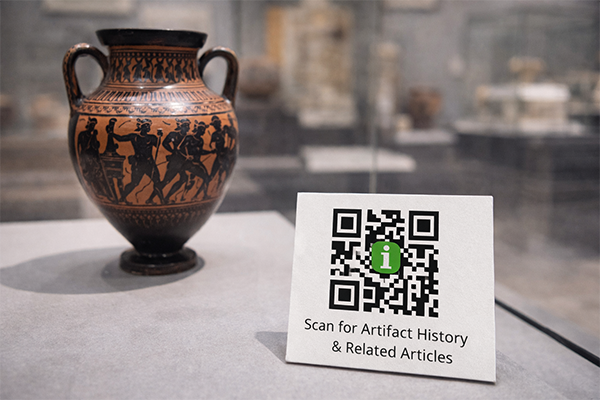
Museum Exhibit
Next to an artifact, a small plaque with a QR code links to a webpage with an in-depth history and related articles.
Benefits for Brands
- Dramatically Increase Traffic from Offline Channels
- Track Engagement from Specific Physical Locations or Print Materials
- Provide a Modern and Tech-Savvy Customer Experience
- Simplify the User Journey from Physical Interest to Digital Conversion
Benefits for Customers
- Instant Access to Websites Without Typing
- Error-Free Navigation to the Correct Webpage
- Quickly Save a Website for Later Browsing
Design & Placement Guidelines
Always include a CTA that tells the user where the code will take them (e.g., 'Scan to Visit Our Website').
Ensure the destination webpage is mobile-friendly, as that's where users will be viewing it.
Use a dynamic QR code so you can update the destination URL if your website structure changes.
Customize the QR code with your brand colors and logo to increase trust and scan rates.
Frequently Asked Questions
Ready to Innovate?
Join thousands of brands connecting with customers through smart packaging. Create your dynamic QR code now.
Get Started with OrbitQR