
Get More
Get More Google Reviews. Build Customer Trust. Strengthen Your Online Reputation — with an AI assistant that helps customers leave complete reviews without typing.
AI Writes Reviews
Natural, high-quality reviews in seconds.
Simple QR Flow
Customers review without typing a word.
Build Reputation
Collect more Google reviews with less effort.
Reply to Every
We professionally manage your Google review responses, ensuring every customer receives a thoughtful, personalized reply — so you build trust and never leave a review unanswered.
Reply to Every Review
No review left unanswered.
AI Personalized Replies
Professional responses in seconds.
Boost Local SEO
Stay active and trustworthy on Google.
Printing वाला Menu छोड़ो,
अब Menu हाथ से टाइप करने की ज़रूरत नहीं। बस Menu की फोटो या PDF अपलोड करें — हमारा AI हर डिश, दाम और कैटेगरी खुद निकालकर सुंदर मोबाइल-फ्रेंडली QR मेन्यू बना देगा। दुकान हो या रेस्टोरेंट, सबके लिए आसान।
कोई भी मेन्यू अपलोड करें
फोटो या PDF — धुंधली फोटो भी चलेगी।
AI खुद सब पढ़ लेता है
डिश, दाम और कैटेगरी अपने-आप।
तुरंत QR मेन्यू तैयार
कागज़ से डिजिटल मेन्यू मिनटों में।
Snap Your Menu,
Stop typing menus by hand. Upload a photo or PDF and let our AI extract every dish, price, and category — then publish a beautiful, mobile-friendly menu in minutes.
Upload Any Menu
PDF or photos — glare & skew handled.
AI Extracts Everything
Dishes, prices & categories, structured.
Instant QR Menu
Paper to digital menu in minutes.
Create Stunning in Seconds
Pick a type, add your brand colors, frames, and logo — then download a crisp, scan-ready code instantly. No design skills needed.
- 100% Free
- No sign-up
- High-resolution export
Smart Customization
Colors, frames & logos.
Instant Generation
Live preview as you type.
Crisp Downloads
PNG, SVG & PDF formats.
Get More Google Reviews and Reply to Every Google Review
A refined reputation system for premium businesses — collect more Google reviews with effortless QR + AI assistance, then respond to every customer with a professional voice that builds trust and visibility.
Get More Google Reviews
AI helps customers leave natural, high-quality Google reviews in seconds — no typing required.
Reply to Every Review
Every customer gets a thoughtful, personalized reply that strengthens trust and local SEO.
Premium Reputation Growth
Built for clinics, salons, retail, and professional brands that want a polished Google presence.
- AI-assisted review collection
- Professional auto-replies
- Premium standee with annual plan
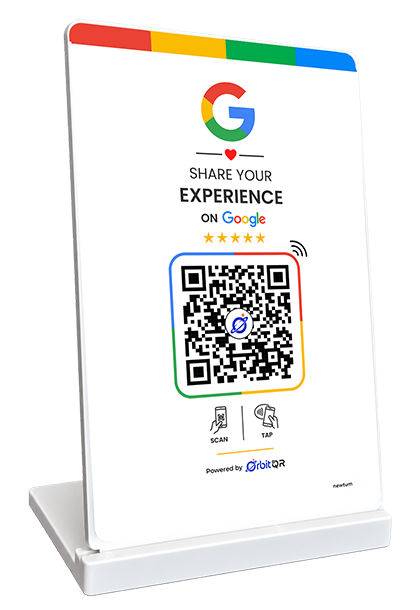
Scan · Review · Grow your Google reputation
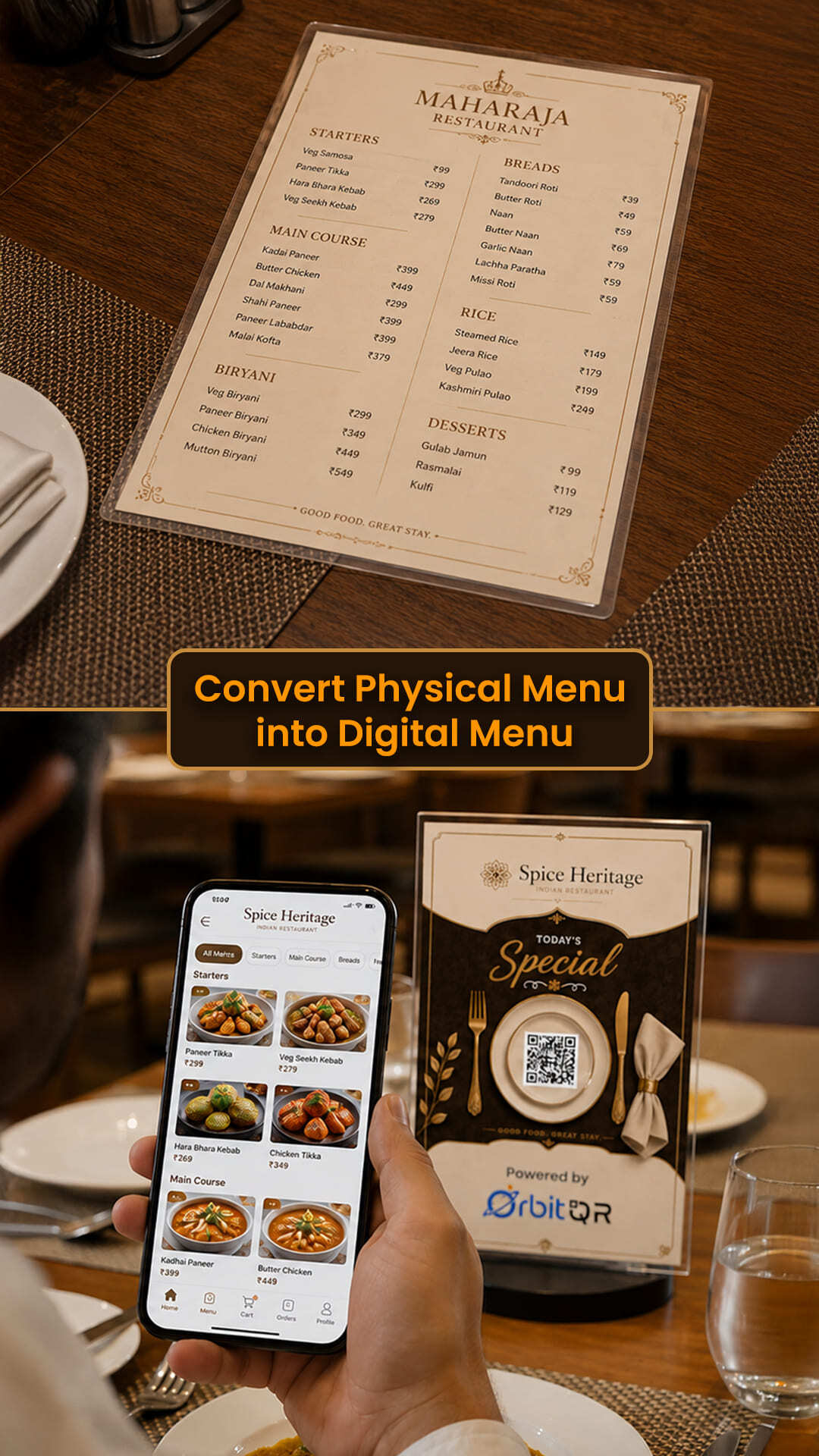
Turn Your Paper Menu Into a with AI
Stop typing menus by hand. Upload a photo or PDF and let our AI extract every dish, price, and category — then publish a beautiful, mobile-friendly QR menu your guests will love.
Upload Any Menu
Drop a PDF or photos — even glare and skew are handled.
AI Extracts Everything
Dishes, prices, and categories structured automatically.
Instant QR Menu
Go from paper to a shareable digital menu in minutes.
- Ready in under a minute
- Edit before you publish
QR Code Generator
Create Yours Free
Customize it with your brand colors, unique shapes, and logos in 3 simple steps.
How to Create a QR Code?
A simple 3-step guide to generating your unique codes.
Choose Your Content
Select from a wide variety of options like website links, digital business cards, event invites, and much more.
Customize Your Design
Personalize your QR code with unique colors, frames, and your own logo to make it truly stand out.
Download & Share
Get your high-resolution QR code in various formats (PNG, SVG, PDF) to print or share digitally.