

Books
Bring your books to life with QR codes that offer interactive content, author insights, and a community for readers.
Create Your QR CodeThe Next Chapter in Reading
QR codes in books create a 'living book' experience, connecting the static printed page to a dynamic world of digital content.
They allow authors and publishers to provide bonus materials, foster a community, and offer updates long after the book has been printed, enriching the reader's journey and extending the life of the content.
Key Use Cases
Author Commentaries & Behind-the-Scenes
Link to videos or audio clips where the author discusses a specific chapter or character.
Interactive Learning Materials
In textbooks, link to online quizzes, interactive diagrams, or supplementary video lectures.
Book Club Discussion Guides
Provide a downloadable PDF with questions and topics for book clubs to discuss.
Link to an Online Community
Direct readers to a forum, Discord server, or Facebook group to discuss the book with other fans.
Real-World Examples
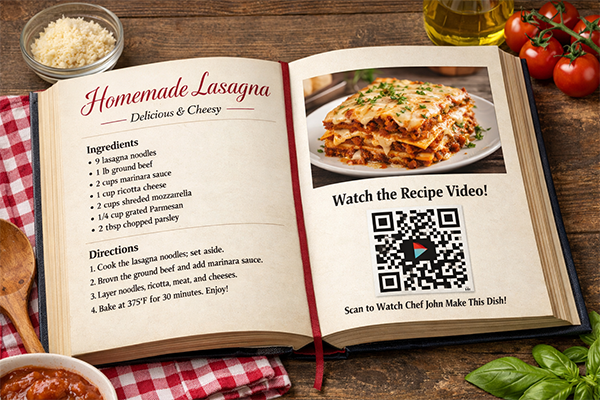
Cookbook
Each recipe has a QR code that links to a video of the chef preparing that exact dish.
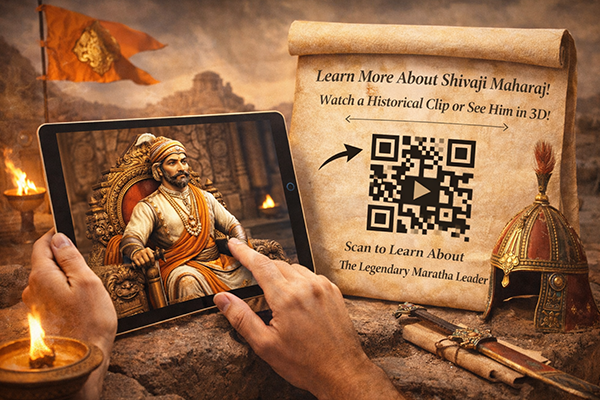
History Textbook
A QR code next to a historical photo links to a documentary clip or a 3D model of an artifact.
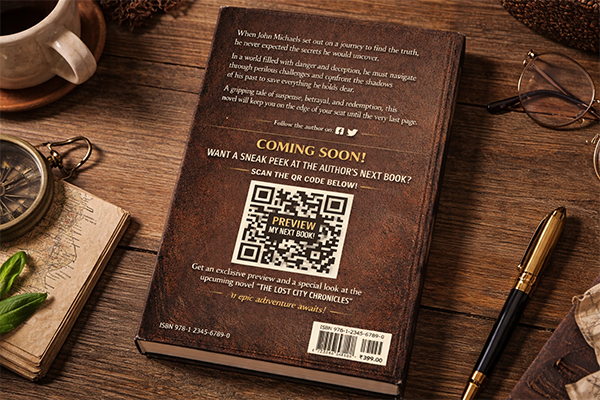
Fiction Novel
The final page includes a QR code that links to a sneak peek of the author's next book or a reader survey.
Benefits for Brands
- Create a More Immersive and Memorable Reading Experience
- Build a Direct Relationship with Readers
- Promote Backlist Titles and Upcoming Releases
- Gather Valuable Reader Feedback and Data
Benefits for Customers
- Access to Exclusive Bonus Content
- Deeper Connection with the Author and Story
- Opportunity to Connect with a Community of Readers
Design & Placement Guidelines
Place QR codes at the end of chapters or in sidebars to avoid disrupting the reading flow.
Clearly explain what the reader will get by scanning the code (e.g., 'Scan for Author's Notes').
Ensure the printed QR code is sharp and has enough contrast to be easily scannable.
Test the QR codes on a proof copy of the book before the final print run.
Frequently Asked Questions
Ready to Innovate?
Join thousands of brands connecting with customers through smart packaging. Create your dynamic QR code now.
Get Started with OrbitQR